



SaaS Strategy
 Rahul Borse
Why Your Brand Needs a Mobile App
Rahul Borse
1. Executive Overview
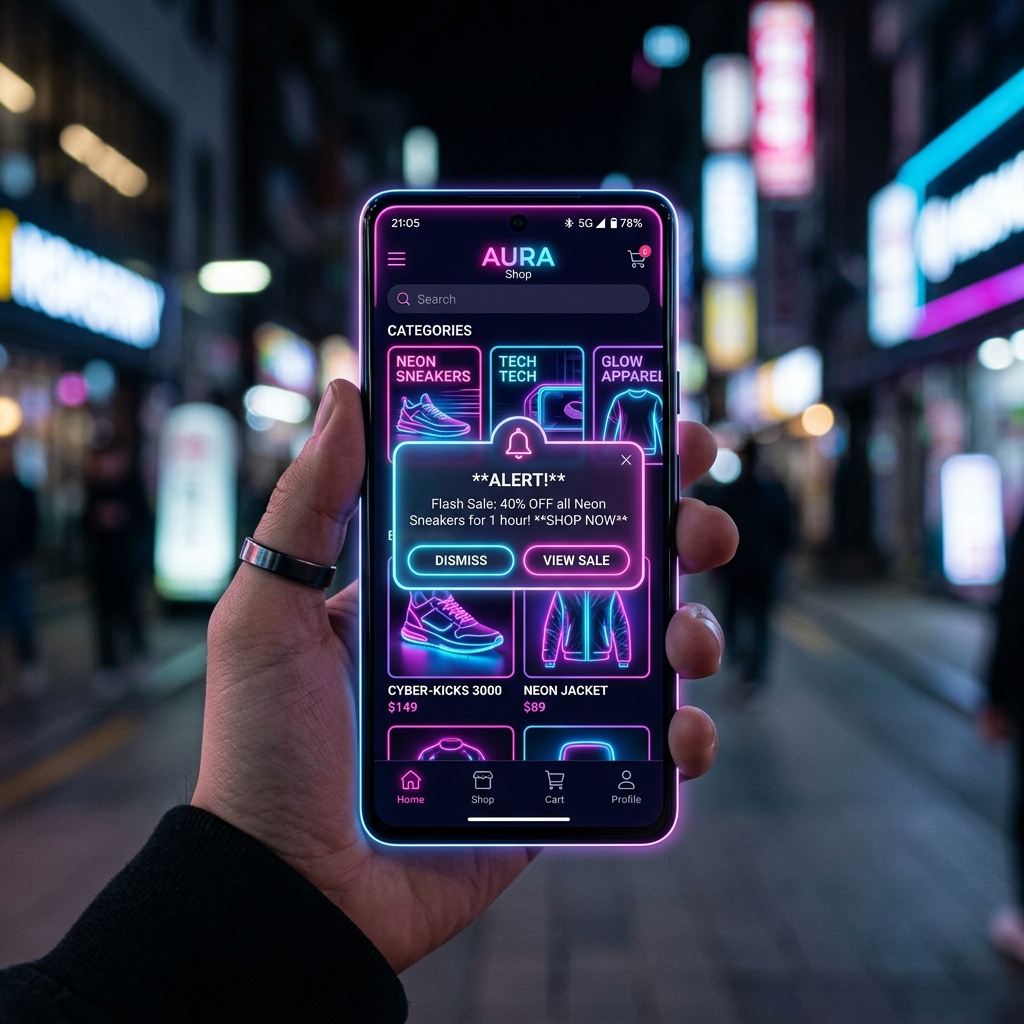
In today's hyper-connected mobile landscape, having a responsive website is no longer the sole requirement for brand dominance. Mobile applications account for over 70% of total digital media time consumed globally. Users expect frictionless access, push notification channels, and high-performance native user interfaces available on their home screens.
Building a dedicated mobile application gives your business a direct, persistent portal into the customer's daily routine, dramatically reducing reliance on paid ad acquisition channels.
2. Direct Customer Engagement Channel
Push notifications deliver open rates near 90%, far outperforming traditional email marketing. By notifying users of personalized updates, active offers, or status alerts in real-time, brands build long-term retention.
"Mobile apps do not replace your website; they transform passive web visitors into highly active, loyal brand advocates."Rahul Borse — Mobile Solutions Architect
3. Native Performance & Hardware Integration
Mobile frameworks like Flutter and React Native provide access to device hardware including cameras, biometrics (Face ID/Touch ID), GPS location services, and Bluetooth scanners. These capabilities enable custom user experiences that static websites simply cannot match.
4. Offline Capabilities
With localized caching mechanisms such as SQLite and Hive databases, mobile apps function reliably even in poor connectivity scenarios. Users can browse catalogs, draft messages, and review data without interruptions.
5. Higher Conversion Metrics
Mobile app checkouts achieve up to 3x higher conversion rates compared to mobile web browsing due to saved credentials, biometrics, fast payment gateways (Apple Pay/Google Pay), and frictionless UX.
6. Architectural Summary
Investing in a mobile app expands your market reach and provides invaluable first-party data insights into user behavior. Modern cross-platform engines allow single codebase deployments across iOS and Android, keeping development costs efficient while maximizing ROI.

Have a unique idea?
Let’s build your digital presence
Phone
Address
A45 Shraddha Society, Near SBI Bank, Dindoli, Surat, Gujarat-394210, India.
Our Office Location
A45 Shraddha Society, Near SBI Bank, Dindoli, Surat, Gujarat-394210, India.
Open in Google Maps